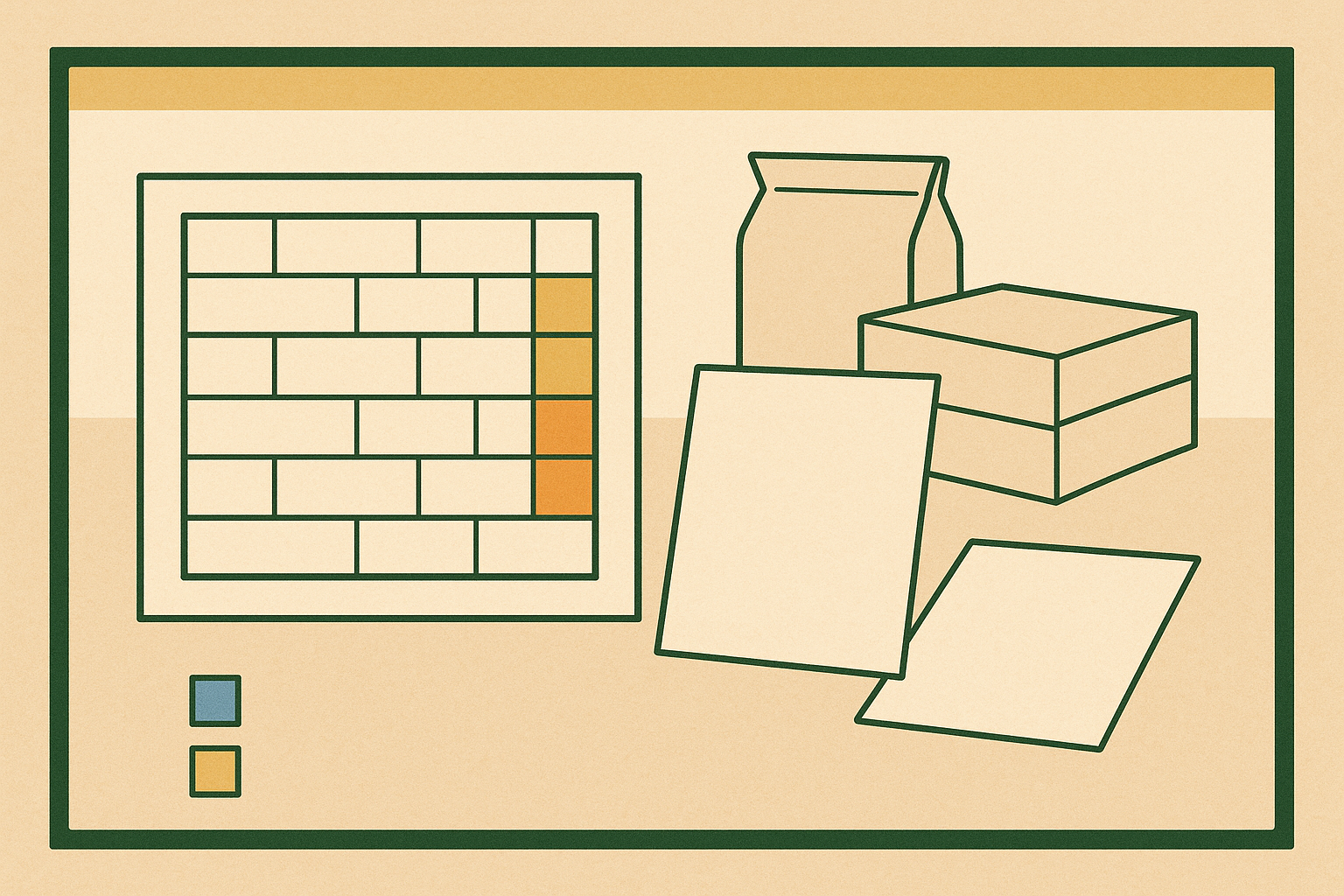
- Finish layout checks so borders and openings are settled.
- Review cut list and materials (and labor totals on Pro if you enter rates).
- Add a company logo from Photos in profile settings (Pro path). The logo stays on device and embeds only when you export.
- Open PDF preview. Free shows a sample path; Pro shares through the system share sheet (Mail, Files, AirDrop, print).
Nothing uploads to LayExact servers when you export. You choose where the file goes.